Before I can start integrating with the AT protocol, I need opengraph images. Obviously I could do it without the images, but that would be sloppy. No image means that when I publish things people would just see a link and some text.
Again, jolo.dev gave me all of the ingredients but I mixed them differently. Here’s how I got the opengraph images integrated into this blog. I’d really suggest giving that post a read as she explains it very well.
Architecture
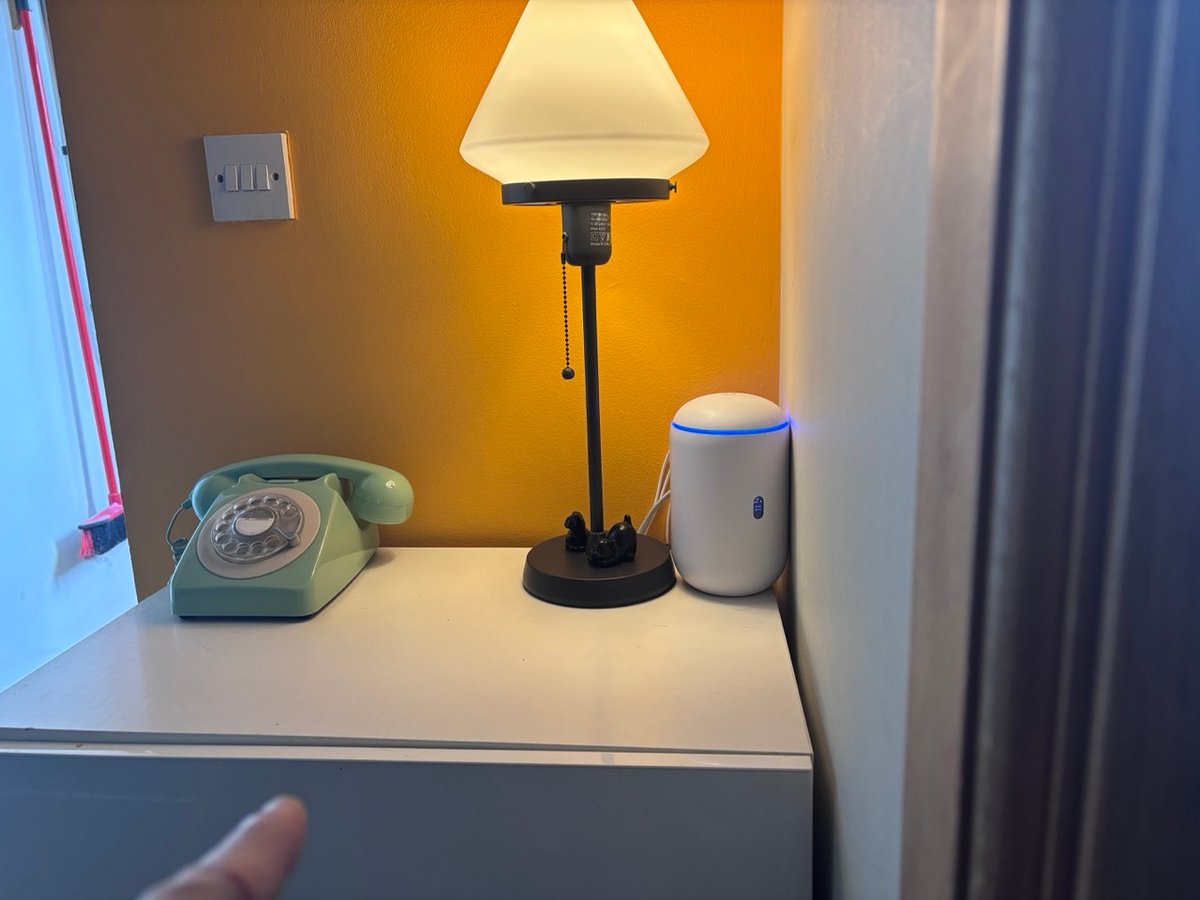
This site is hosted on a 8Gb raspberry Pi, that lives in a cupboard in my house. A Cloudflare tunnel serves it to the world. Physically it is next to where the telephone used to be. The ikea cabinet kills me. It has never been square. Replacing that with a nice solid oak thing is on my never ending list of DIY tasks to do. For reference though, the Pi is roughly 10 inches below where my finger is pointing. Yes, that phone did work until we had fibre installed. Now I just keep it as a reminder of my 1970/80’s childhood.
Most of the blog engines I’ve made have been based around editing the posts in an online web browser rather than an offline markdown editor. I have made a few between 2013-2016 that were static driven but they didn’t last. The reason was always images. I find dealing with images in static sites a chore. Resizing, uploading, referencing - it all gets in the way. I find typing accurately troublesome enough without having to stop and mess around with images.
In this blog, and all of the blogs I’ve written since 2016 onwards, I drag and drop things (currently images, soon video) into the editor and the image is uploaded. In the case of this incarnation of a blog it goes to Cloudflares R2 storage. I get the returned url and pass it through this code to generate on-demand resized images:
  # Rewrites <img src="https://media.jamiecurle.com/<key>"> to route through
  # Cloudflare's on-the-fly resizer. Skips already-transformed URLs.
  def rewrite_image_urls(html) do
    host = Application.get_env(:jamie, :images)[:host]
    transform = Application.get_env(:jamie, :images)[:transform]

    Regex.replace(
      ~r{(<img[^>]*src=")https://#{host}/(?!cdn-cgi/)([^"]+)},
      html,
      "\\1https://#{host}/#{transform}/\\2"
    )
  end
It gives me something like the below. This is nice because if I change the design in the future (and I will, as this is a temporary design to allow me to get generating content) I can change that code and all of the new images can be served at a new size that works optimally for that design:
https://jc.com/cdn-cgi/image/width=1200,format=auto,quality=85/le-image.jpeg
It’s mostly free as Cloudflare have a generous non-paid tier but I wouldn’t call it “free” as I’m paying something in terms of vendor lock-in. Currently that price is acceptable (£0.00) and it hasn’t cost me anything (like suddenly being removed from the internet) yet. More than likely I’ll setup a media backup and a failover endpoint of this site somewhere else.
So in short, it’s a blog, with a web editor powered by a database. It’s rough around the edges but it gets it done. The right hand side preview is a LiveView and it saves on cmd+s.
Here’s a cool inception screenshot.
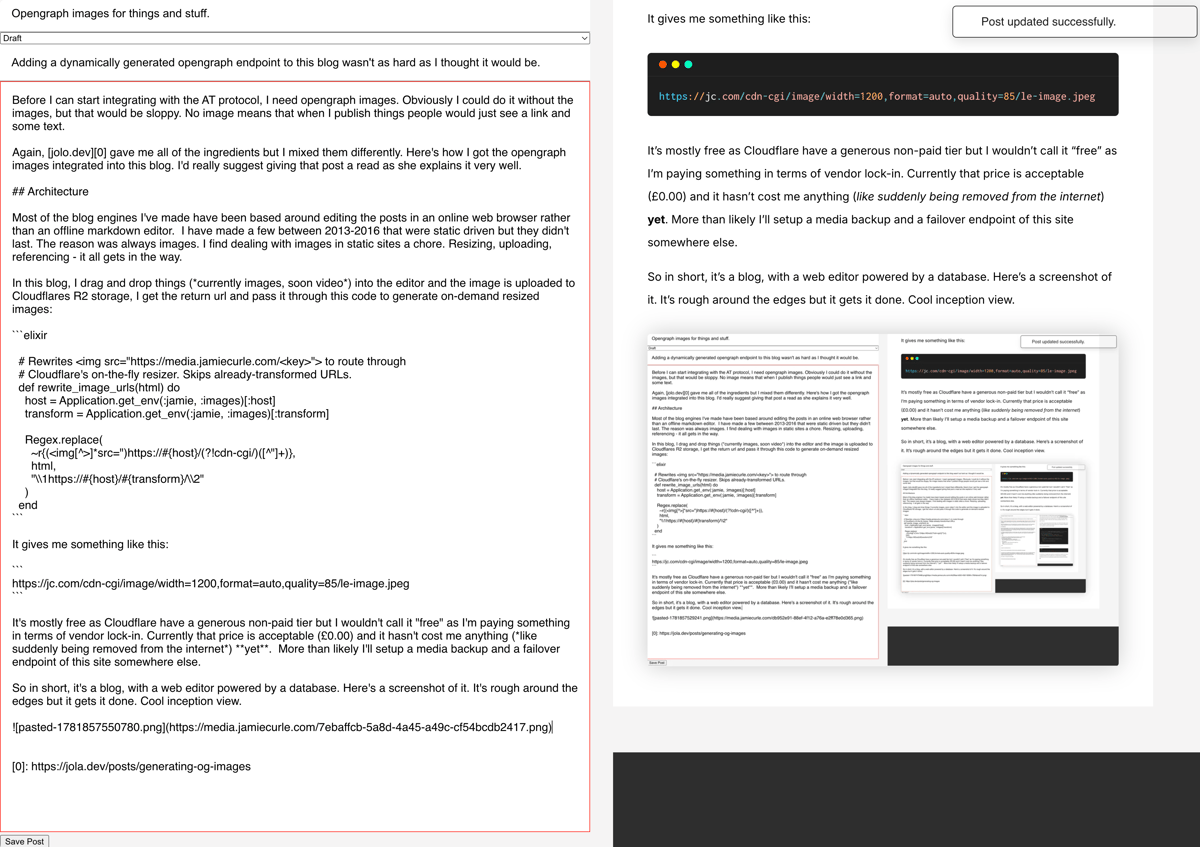
I labour the database point because unlike jolo.dev’s method, I cannot store everything in a module attribute at compile time. This code is compiled into a docker image on Github actions and I don’t have access to the production database at compile time. Also, I want these images stored somewhere other than memory whilst I have 8Gb of ram on the Pi that serves this site, I’d rather offload image serving to a global CDN rather than serving them through my home internet connection, even though it has ample bandwith.

Approach
So here’s the approach:
- The post schema gets a new attribute called
og_hash. - When a post is saved, I take its title and description and hash them.
- I save that hash to the
og_hashon the post. I add a new endpoint to serve the OG image for a post (I’m not actually serving the bytes myself).- I kick off an Oban job that generates the Open Graph image and uploads it to R2, stored under a key derived from the hash.
You may be asking why the hash? Well, I edit things a lot. My inner critic is fierce and I need to keep the titles and descriptions in the open graph images in sync with the database. When a post is saved, if the hash is changed, I create and send a new open graph image to R2.
If you wanted to see the work as it stood at the point of merging, the PR is here
1. Post schema
This is boiler plate stuff, add a new attribute, create a migration and done.
2. Hash on save
Again, a known pattern that is part of the pipeline of a changeset:
   # the post schema changeset
  @doc false
  def changeset(post, attrs) do
    post
    |> cast(attrs, @required_fields ++ @optional_fields)
    |> validate_required(@required_fields)
    |> Jamie.Markdown.to_html!()
    |> slugify()
    |> published_on()
    |> og_hash()
    |> unique_constraint(:slug)
  end


 # the og_hash function
  defp og_hash(changeset) do
    # get the title
    title =
      if get_field(changeset, :title) == nil do
        ""
      else
        get_field(changeset, :title)
      end

    # and description
    description =
      if get_field(changeset, :description) == nil do
        ""
      else
        get_field(changeset, :description)
      end

    # make hash
    og_hash =
      :crypto.hash(:md5, [title, "\0", description])
      |> Base.encode16(case: :lower)

    # add to changeset
    put_change(changeset, :og_hash, og_hash)
  end
A test or two doesn’t hurt:
  describe "og_hash is saved when post is created and updated" do
    setup do
      {:ok, post} = BlogFixtures.post_attrs() |> Blog.create_post()
      %{post: post}
    end

    test "og_hash is saved when post is created", %{post: post} do
      assert post.og_hash == "cfec820f6ea2a894beb0a272cc507f04"
    end

    test "og_hash is saved again when post is edited", %{post: post} do
      # edit the post
      {:ok, post_edited} = Blog.update_post(post, %{"title" => "yes, this isn't the fixture"})

      refute post_edited.og_hash == "cfec820f6ea2a894beb0a272cc507f04"
      assert post_edited.og_hash == "fb08df1a009cf3e9392d50fce4015da1"
    end
  end
3. Endpoint
The endpoint for redirecting to the images will be hosted in this source code
When I came to write this section up, after I’d implemented the endpoint I realised that I don’t actually need it. I could instead just hard link to the image on Cloudflare’s R2 as I know the URL before I create the image. So I deleted that code.
4. Oban Job
Oban can be a very light edition to an Elixir project but I have to state that for this specific function, there are other ways of doing this. The lightest of which would be a humble Task. However, I’ve got some plans for this place which Oban makes much easier – cleaning up unused images being one example. So Oban made sense and to be clear; the free version. This is a personal site after all.
Uniqueness
The job fires when the post is updated, specifically when og_hash changes. This could happen multiple times in a twenty second period if I’m making typos or playing with words. So it needs to be de-bounced (scheduled in the future) and ensure there’s only one of these jobs present at a time. Here’s the meat of it, but you can see the full file. It was basically taken verbatim from the docs.
defmodule Jamie.Workers.OgImageCreate do
  @moduledoc """
  For a given "thing" write out an opengraph image to R2
  """
  use Oban.Worker,
    unique: [
      period: {20, :seconds},
      timestamp: :scheduled_at,
      keys: [:id],
      states: :incomplete,
      fields: [:args, :worker]
    ]

# ...
end
I actually do want uniqueness here. There is little point in creating an image for a og_hash which is going to be overwritten in the future, nor is there anypoint in generating the same image and updating it. It’s a waste of energy. The above configuration ensures that there’s only one of these jobs for a given id at any one time. In the future I may need to also include :thing as a key, but for now I’m unlikely to be editing two things at one time. Although with an ADHD monkey mind driving me some days, who knows where that will go.
Scheduling
So now we just need to schedule the job in the future, if and only if, the og_hash has changed. In my Jamie.Blog context there’s a private function that handles transactions around updating a blog post and saving a revision of the post. This is the place to do the open graph image scheduling.
  defp do_update_with_revision(%Post{} = post, %Post{} = applied, last_known_updated_at) do
    # we need the current time and boolean of whether or not the hash has changed
    now = DateTime.utc_now()
    og_hash_changed? = post.og_hash != applied.og_hash

    updates =
      applied
      |> Map.take(Post.fields())
      |> Map.to_list()
      |> Keyword.put(:updated_at, now)

    result =
      Repo.transaction(fn ->
        # update the post
        updated_post = commit_post_update(post.id, last_known_updated_at, updates, applied)

        # if the og_hash has changed, schedule the og_image job 20 seconds in the future
        if og_hash_changed? do
          %{thing: "post", id: updated_post.id}
          |> OgImageCreate.new(scheduled_at: DateTime.add(now, 20, :second))
          |> Oban.insert!()
        end

        updated_post
      end)

    # lovely, handle the result and we're done.
    # Remember to broadcast the change on the post to
    # update the post to the latest version for everyone.
    case result do
      {:ok, updated_post} ->
        Phoenix.PubSub.broadcast(
          Jamie.PubSub,
          "post:#{updated_post.id}",
          {:post_updated, updated_post}
        )

        {:ok, updated_post}

      {:error, _} = err ->
        err
    end
  end
So now I save a post, a job is scheduled twenty seconds in the future and I’m happy that, just like the highlander, there can be only one. Here’s an example, it’s diabolical from a design aesthetic.
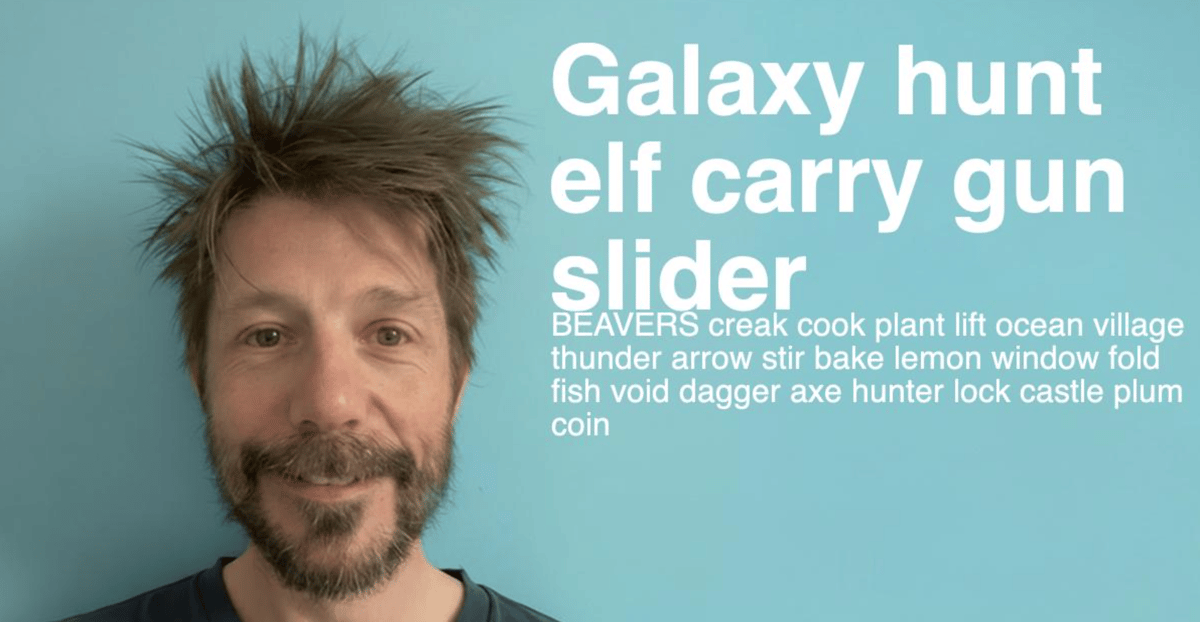
Here’s my starting point:
  def create(title, description, _url \\ "") do
    # open the background
    {:ok, bg} = Image.open("priv/static/images/og-base.png")

    # make the title
    {:ok, title} =
      Image.Text.text(title,
        font: "Inter",
        font_size: 144,
        font_weight: :bold,
        background_fill_opacity: 1.0,
        background_fill_color: "#3e3e3e",
        text_fill_color: [255, 255, 255],
        width: 1128,
        letter_spacing: -2
      )

    # and description
    {:ok, description} =
      Image.Text.text(description,
        font: "Inter",
        font_size: 32,
        font_weight: :light,
        text_fill_color: [255, 255, 255],
        width: 1128
      )

    # finally, build the image
    Image.new!(1200, 630, color: [0, 226, 227])
    |> Image.compose!(bg, x: 0, y: 0)
    |> Image.compose!(title, x: 36, y: 36)
    |> Image.compose!(description, x: 36, y: 72 + Image.height(title))
    |> Image.write!(:memory, suffix: ".png")
  end
Design
If I use the image of me the final output then for optimum file size we have to have a jpeg. However that means the compression will make the crispy white lines of typography feel cheap and nasty unless I dial it up to a point where the compression isn’t noticable. Doable, but not optinal. If it’s a png, then everything is nice and clean, but the filesize goes up. Frankly, I don’t need to be there, and I was really just a placeholder for want of a better design asset. It also means I can have three colours, which makes the png 24 format very small in filesize and I get the nice crisp edges.
To make the design process a little easier frustrating, let’s make a controller that we see only in development.
defmodule JamieWeb.DevController do
  @moduledoc """
  Development helpers
  """
  use JamieWeb, :controller
  alias Jamie.Blog
  alias Jamie.Opengraph.Image

  @doc false
  def og_image(conn, %{"id" => id}) do
    post = Blog.get_post!(id)
    image = Image.create(post.title, post.description)

    conn
    |> put_resp_header("Content-Type", "image/png")
    |> send_resp(200, image)
  end
end

# also this in router.ex

    scope "/dev" do
      pipe_through :browser
      get "/image/:id", JamieWeb.DevController, :og_image
      live_dashboard "/dashboard", metrics: JamieWeb.Telemetry
      forward "/mailbox", Plug.Swoosh.MailboxPreview
    end
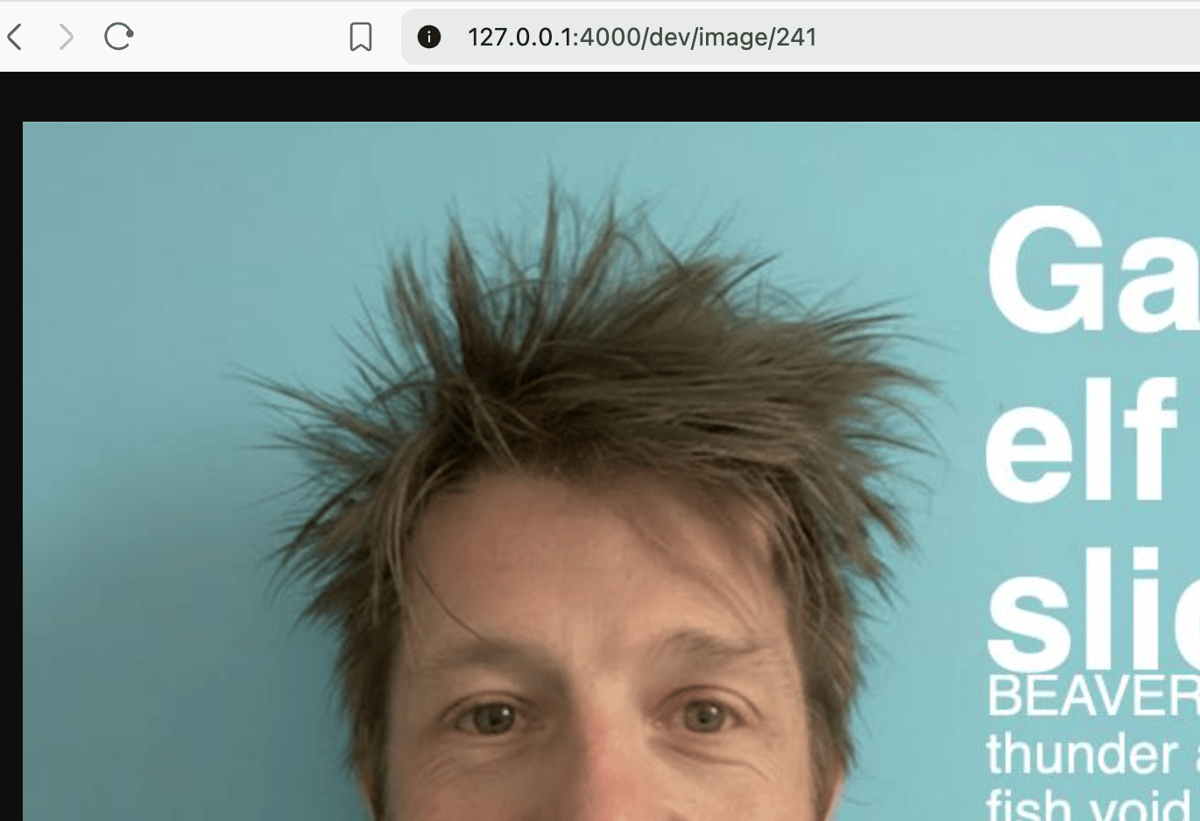
Great, now I can iterate by refreshing a page. Browsers are tolerant things, this is a jpeg but it is being served as png.
A few hours later in figma, pushing pixels around and here’s a mockup. The bonsai may look random, but it isn’t. It’s the future design direction of this site (what you see as of June 2026 was simply an aesthetic treatment to get me out of the gates).

There’s a few parts to implementing this design. The words are easy (but will almost certainly require some font shenanigans when I deploy this out as a docker image and I don’t think I can control line height) as is the background. The tree and the grey background will have to be separate build stages.
Background & title
Whilst sending hex values as colour works, it trips dialyzer out so I’m using rgb triplets.
The blank canvas:
  def create(_title, _description \\ "", _url \\ "") do
    Image.new!(1200, 630, color: [0, 206, 224])
    |> Image.write!(:memory, suffix: ".png")
  end
So now, let’s add the title. The face is “inter” and we’re using 108 as the size at a medium weight. It’s 72 pixels from the top and the left:
  def create(_title, _description \\ "", _url \\ "") do
    # make the title
    {:ok, title} =
      Image.Text.text(title,
        font: "Inter",
        font_size: 108,
        font_weight: :normal,
        text_fill_color: [255, 255, 255],
        width: 865,
        letter_spacing: 0
      )


    # finally, build the image
    Image.new!(1200, 630, color: [0, 206, 224])
    |> Image.compose!(title, x: 72, y: 72)
    |> Image.write!(:memory, suffix: ".png")
  end
There really isn’t any control for line-height, which is a shame. I tried to use Pango markup, but that didn’t work immediately so I moved on. I may come back to that. However, I note I am free to participate and add that feature myself. Which I may do. The black outline isn’t part of the image, it’s just me copying and pasting from a screenshot.]

Grey box and bonsai overlay
The grey box should always be 72 pixels beneath the bottom of the title text, so now we have the title on the canvas we can set to work adding the grey box. Here’s the box:
  def create(_title, _description \\ "", _url \\ "") do
    # ...

    # finally, build the image
    Image.new!(1200, 630, color: [0, 206, 224])
    |> Image.compose!(title, x: 72, y: 72)
    |> Image.Draw.rect!(0, 72 + Image.height(title) + 72, 1200, 600, color: [62, 62, 62])
    |> Image.write!(:memory, suffix: ".png")
  end
And a screenshot:

and the bonsai
  def create(_title, _description \\ "", _url \\ "") do
    # ...

    # finally, build the image
    Image.new!(1200, 630, color: [0, 206, 224])
    |> Image.compose!(title, x: 72, y: 72)
    |> Image.Draw.rect!(0, 72 + Image.height(title) + 72, 1200, 600, color: [62, 62, 62])
    |> Image.write!(:memory, suffix: ".png")
  end

  def create(_title, _description \\ "", _url \\ "") do
    # ...

    # used in two places, store it on a variable
    title_height = Image.height(title)

    # open the bonsai
    {:ok, bonsai} = Image.open("priv/static/images/og_bonsai.png")

    # finally, build the image
    Image.new!(1200, 630, color: [0, 206, 224])
    |> Image.compose!(title, x: 72, y: 72)
    |> Image.Draw.rect!(0, 72 + title_height + 72, 1200, 600, color: [62, 62, 62])
    |> Image.compose!(bonsai, x: 980, y: title_height - 10)
    |> Image.write!(:memory, suffix: ".png")
Description and url
Same as title the title, with the knack being keeping spacing consistent (ish) to our base unit
  def create(_title, _description \\ "", _url \\ "") do
    # ...

    {:ok, url} =
      Image.Text.text("https://jamiecurle.com" <> url,
        font: "Inter",
        font_size: 16,
        font_weight: 600,
        text_fill_color: [255, 255, 255],
        width: 865,
        letter_spacing: 0
      )

    # finally, build the image
    Image.new!(1200, 630, color: [0, 206, 224])
    |> Image.compose!(title, x: 72, y: 72)
    |> Image.Draw.rect!(0, 72 + title_height + 72, 1200, 600, color: [62, 62, 62])
    |> Image.compose!(description, x: 72, y: title_height + 196)
    |> Image.compose!(url, x: 72, y: title_height + 196 + Image.height(description) + 36)
    |> Image.compose!(bonsai, x: 980, y: title_height - 10)
    |> Image.write!(:memory, suffix: ".png")

Everyone has a plan until…
It doesn’t always work though, here’s some test data showing a long title. That’s not on at all. So I have two options. I can truncate the title, but that smells or, I can reduce the font-size on title to account for word count.
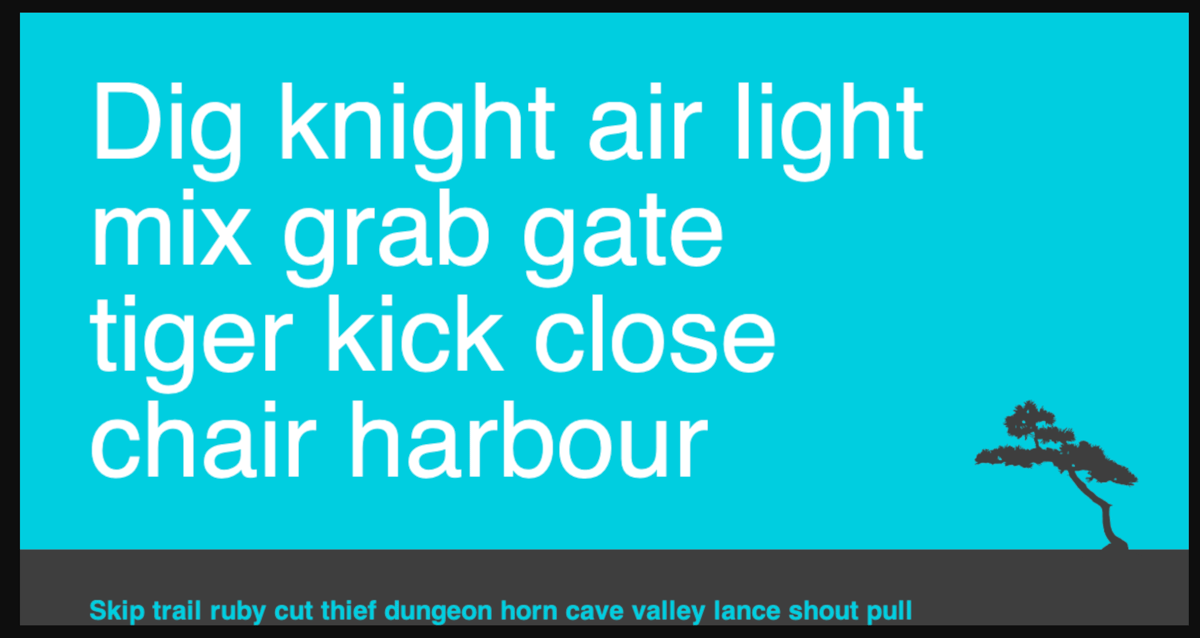
As a first step so I can ship this, lets just do some crude adjusting.
  def create(title, description \\ "", url \\ "") do
     # ...
    # the size of the title text needs to be controlled
    title_font_size =
      cond do
        String.length(title) > 45 -> 54
        String.length(title) > 30 -> 90
        true -> 108
      end

    # make the title


    #...
Here’s the results of that amend, it kinda works:
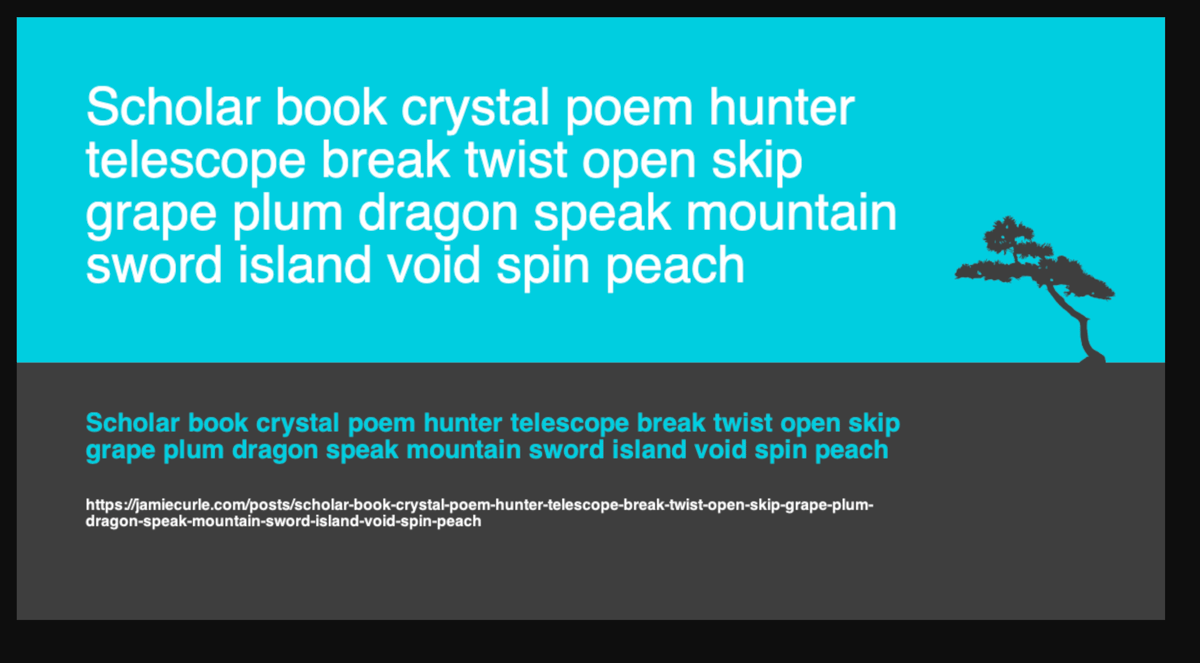
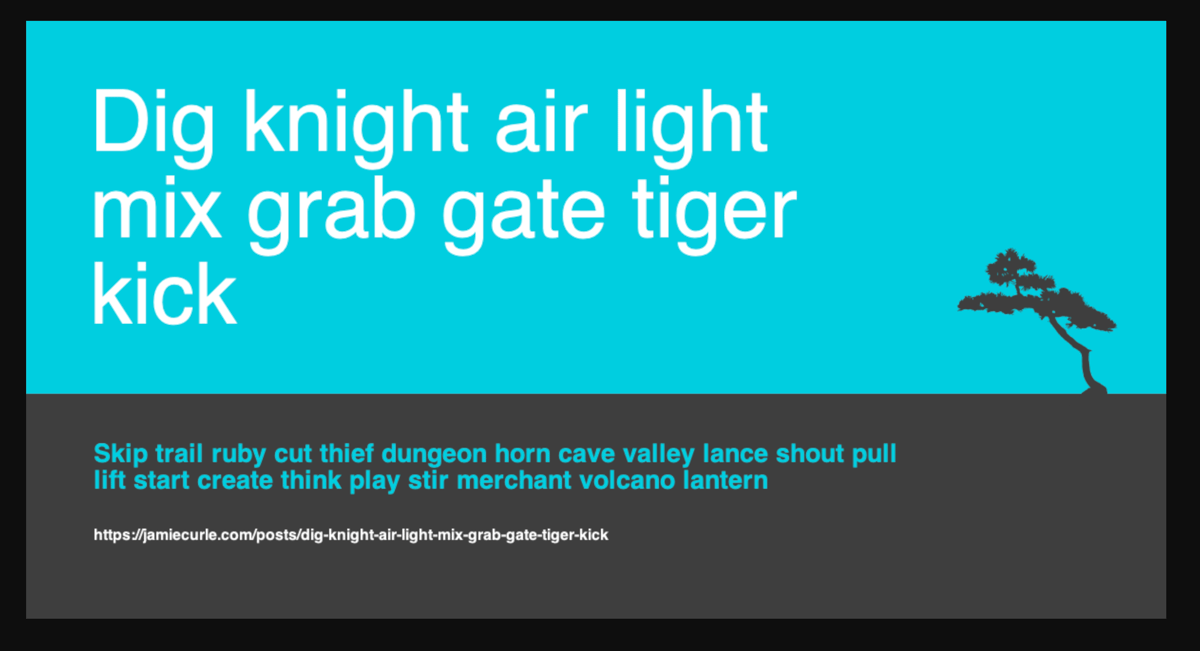
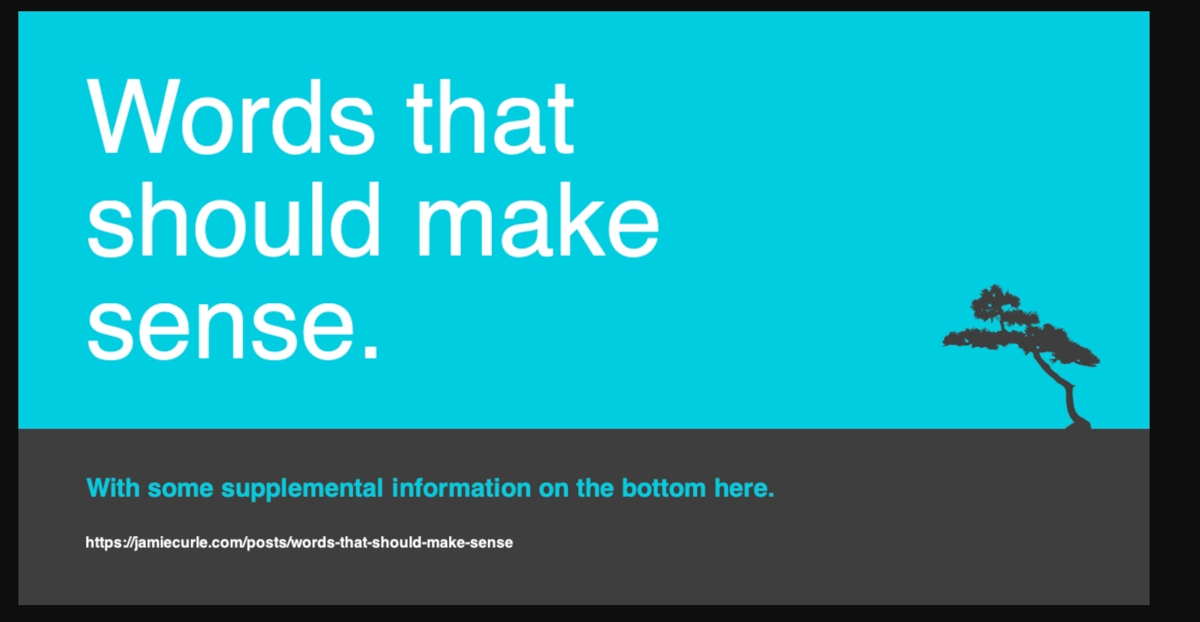
However, I’m not happy with how the descriptions and urls are sitting in the grey box. They need to be centred but here’s the thing. At some point you just have to call a job done and for now I can live with this. I’ll just drop a future comment to remind me:
    # finally, build the image
    Image.new!(1200, 630, color: [0, 206, 224])
    |> Image.compose!(title, x: 72, y: 72)
    |> Image.Draw.rect!(0, 72 + title_height + 72, 1200, 600, color: [62, 62, 62])
    # FUTURE YOU: CENTRALISE THE DESCRIPTION AND THE URL INSIDE THE RECTANGLE
But there is one thing I need to do.
Bundle the font
I’ve been bitten so many times when doing this kind of work that I remember this step. If I want to use Inter inside the container this thing runs in, then it has to be present. So into priv/fonts it goes and I need to update the code.
However, the :font_file option doesn’t work on MacOS and I don’t have a staging environment setup, so I’m hoping I can one-shot it.
Clean up
At this point it was working so it now is the time to do the cleanup. So I go through everything tracing the code and making sure it now all makes sense and has proper specs and documentation. And by me, I mean claude. I did write everything else I’ve done and time was getting tight. I wanted to get this deployed so that felt like a nice trade off.
Rework
Yeah, there was some and also a quick “lets setup better logging whilst I was in there”