I’ve used Github since 2008 and for many years it was awesome and it worked.
Recently though it’s been a bit wobbly and a tad unpredictable. I’ve not really minded and I continued to pay for the service. However, recently I noticed that builds that used to take a minute or so, started taking five to six. I thought I could live with it, but frankly it’s been wearing me thin.
An old server put back into use
My original plan was to take a 2013 server that was decommissioned and recommission it in my attic based lab where the network stuff is.
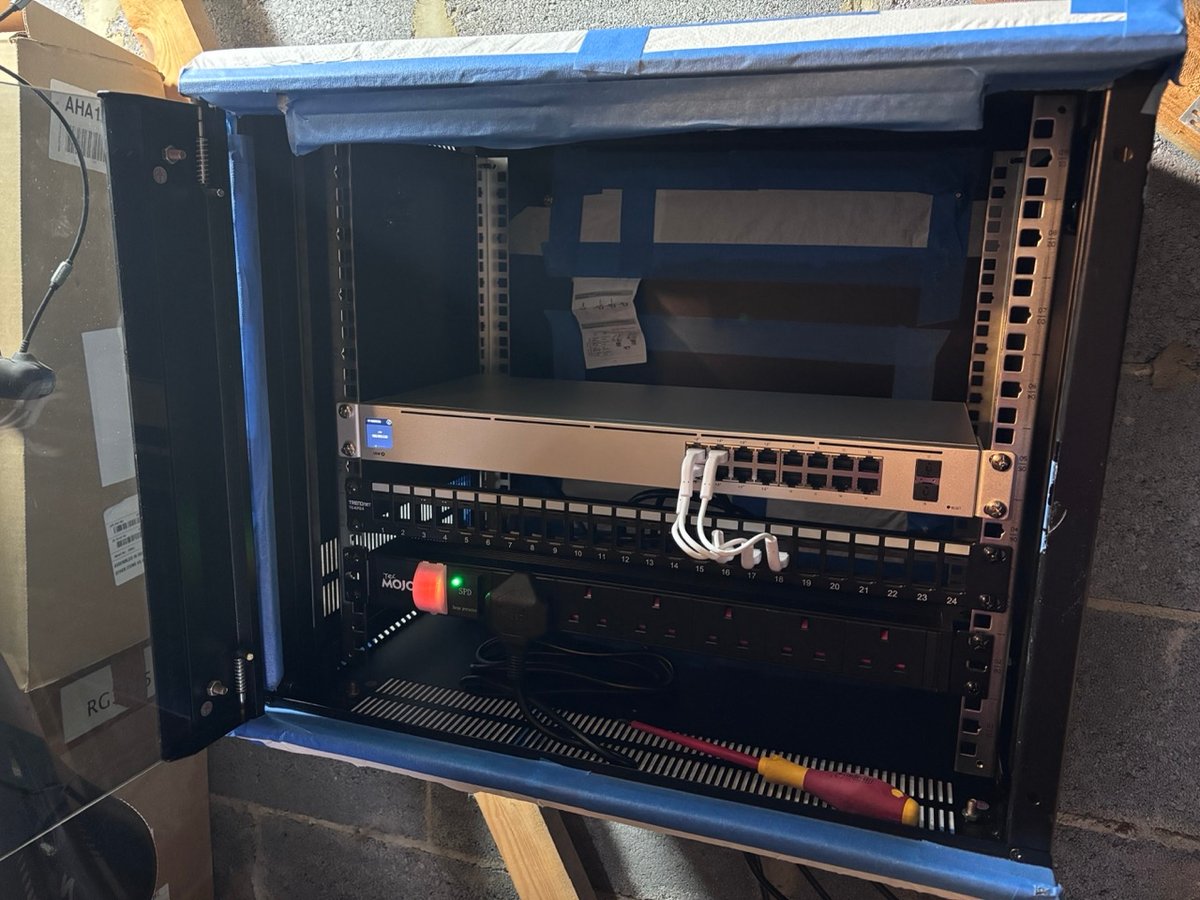
After all, it had 32gb of RAM and a nice pentium 4 ivy bridge chip.
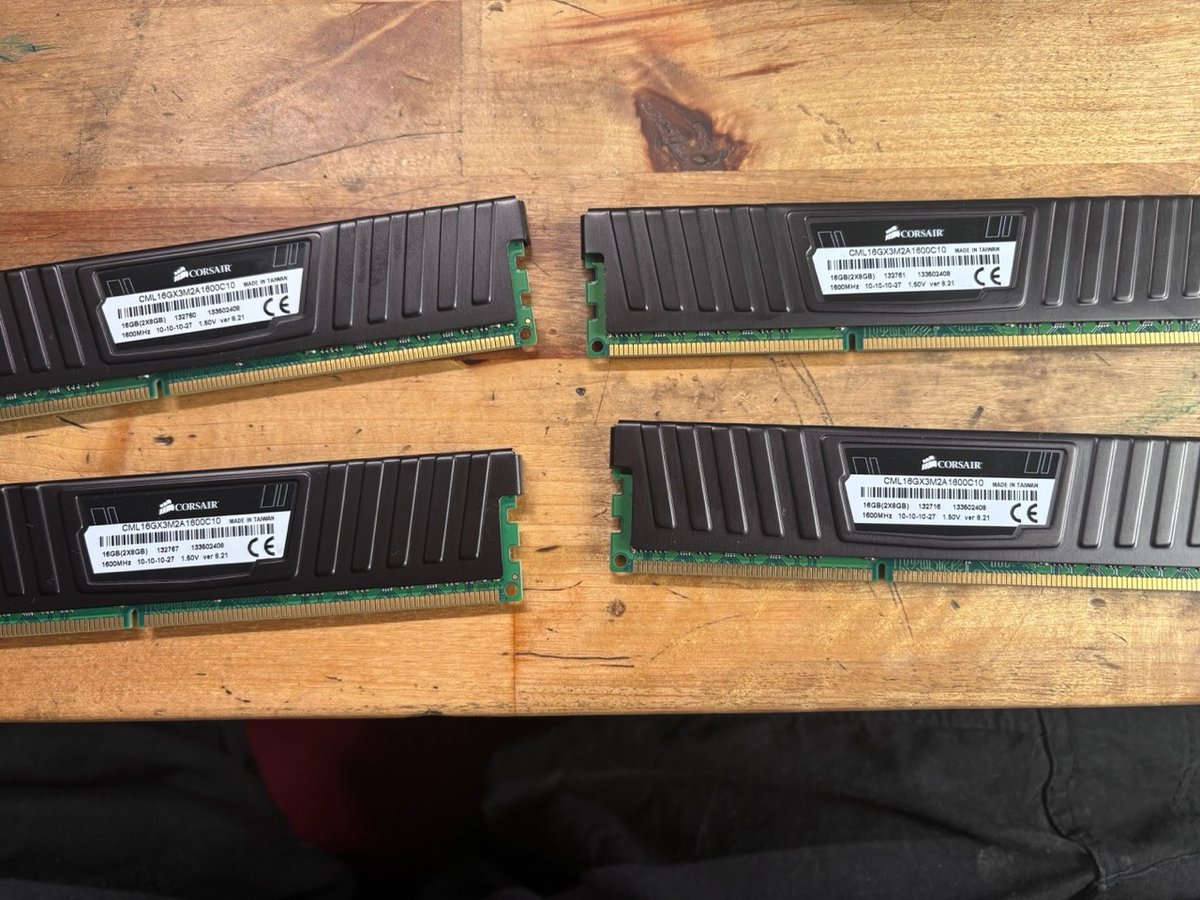
In a previous life it shipped literal millions of dollars worth of business, so I’m sure it could handle a forgejo install. I was excited, until I booted it up and it entered into a reboot cycle, power up, 10 seconds, power off, power up…
Avoiding yak shaving
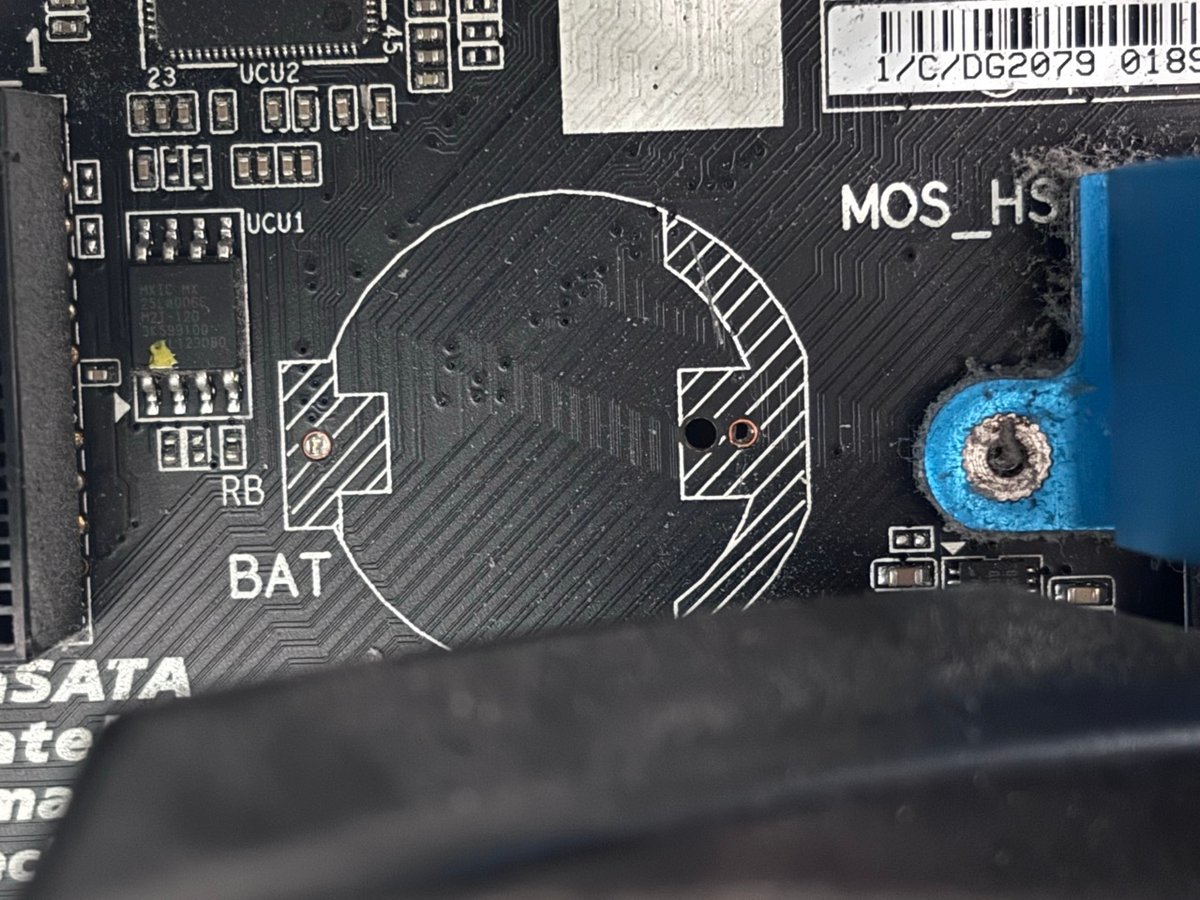
The solder had failed on the CMOS battery. I wanted a Forgejo install and I was about to start soldering. This is Yak Shaving, or at least how it starts. So I declared defeat and put the server in the car where it waits it’s final trip to the local recycling village (obviously, the disks have been removed)1. I did contemplate buying a new motherboard, but ivy bridge boards with 4 dimm slots are rarer then hens teeth.
I contemplated building a new machine. But when I looked at the price of RAM I was genuinely shocked. I knew RAM was having supply issues, but the RAM was nearly half the price of the entire build. So I noped out. This would have been more Yak Shaving in any case. Rarely do I get the right parts in the right order and normally it there’s some shenanigans building a new machine.
The thrifty option
I then contemplated a mac-mini at £400, but now they’re starting at £700. Not happening. I’d rather wait out RAM shortages and then when the price is right build two things - a general purpose server thing and a NAS where I can finally take my 15 years of time machine backups and make everything accessible again.
Installing
In the end, I looked at the mac-mini (24gb M4 pro) on my desk, realised there was only me using it and I’m normally at home on either said mac-mini or on my macbook pro downstairs. I figured the thrifty option would be fine, especially as there’s a 1Tb NVMe drive attached via thunderbolt. So I got to work.
The install was fairly painless a few mkdirs and some configuration in the form of a docker compose file.
services:
  forgejo:
    image: codeberg.org/forgejo/forgejo:15.0.4
    environment:
      - FORGEJO__database__DB_TYPE=postgres
      - FORGEJO__database__HOST=host.docker.internal:5433
      - FORGEJO__database__NAME=forgejo
      - FORGEJO__database__USER=forgejo
      - FORGEJO__database__PASSWD=REPLACE_ME
      - FORGEJO__server__ROOT_URL=https://forgejo.tailc36a70.ts.net/
      - FORGEJO__server__DOMAIN=forgejo.tailc36a70.ts.net
      - FORGEJO__ui__THEMES=dracula,alucard,draculalucard
      - FORGEJO__ui__DEFAULT_THEME=dracula
      - FORGEJO__server__SSH_DOMAIN=forgejo.tailc36a70.ts.net
      - FORGEJO__server__SSH_PORT=2222
      - FORGEJO__server__START_SSH_SERVER=false
      - FORGEJO__actions__ENABLED=true
    restart: always
    volumes:
      - "/Volumes/thebigbyte/forgejo/data:/data"
    ports:
      - "3000:3000"
      - "2222:22"
I also added the dracula theme, which is a step in the right direction but the sizes in the default theme all feel like someone without a design eye did the work. The dracula theme just makes it look better. I’d heartedly recommend paying for dracula pro. When all of your tools feel the same it’s amazing boost of productivity.
I did decide to go with tailscale on this install becasue even though I’m mostly in the house, I’m sometimes not and when I’m not, I’m often alone without Mrs Curle and therefore doing some kind of work which requires access to my code. The tailscale thing has a few benefits
- I can access my repos from anywhere via ssh and https; and
- no one else can access my repos from anywhere either by ssh or https.
Migrating repositories was very easy:
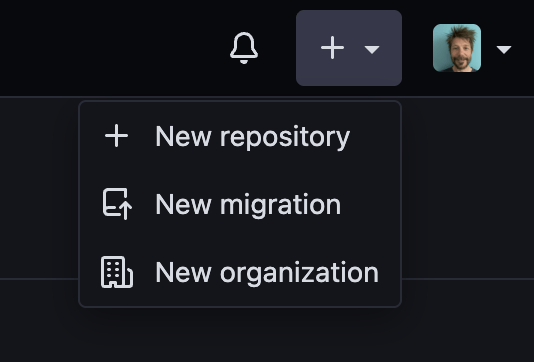
It requires a Github access token with the following permissions:
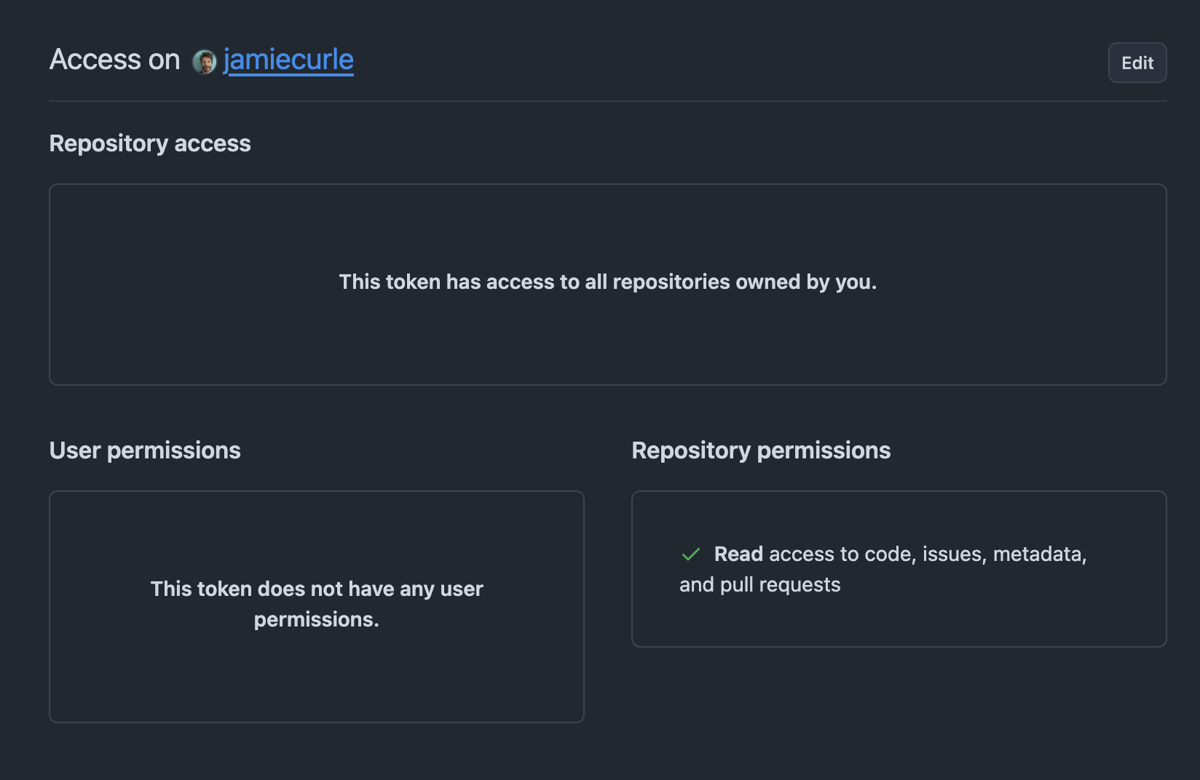
A few minutes of waiting and voila!
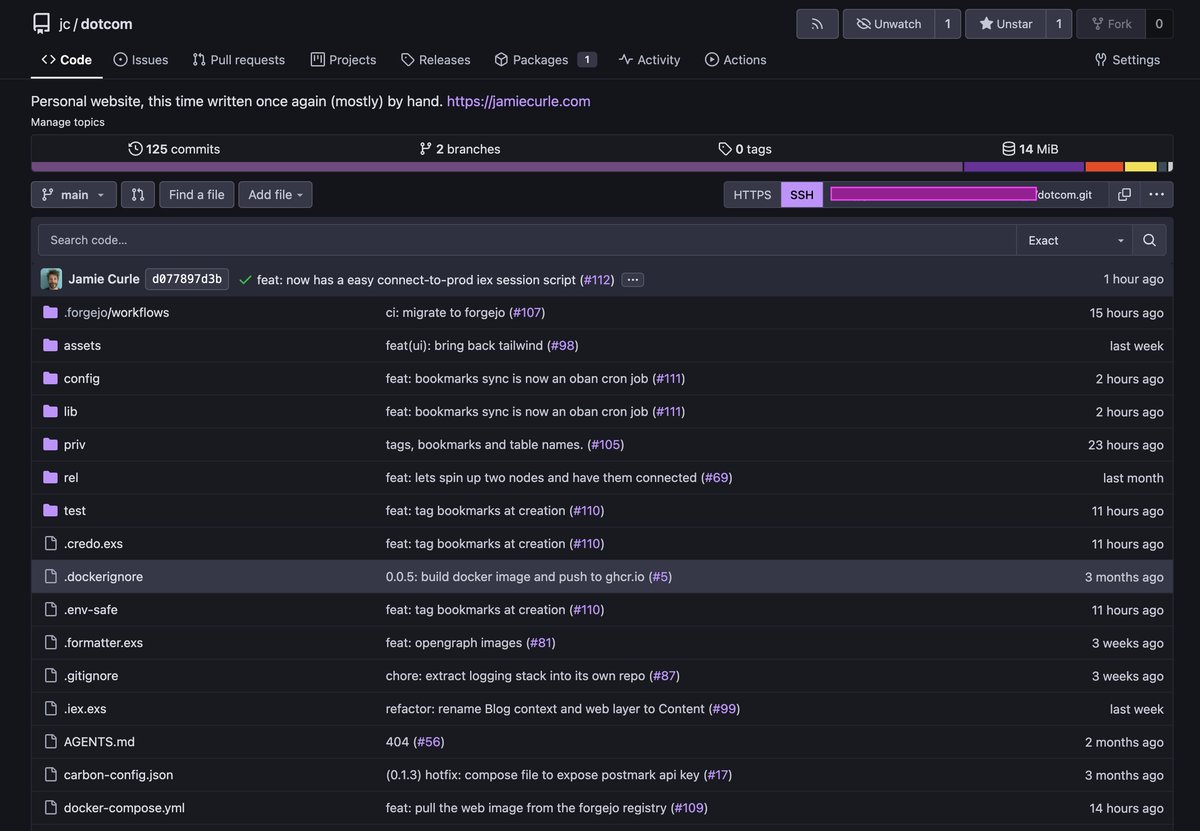
Setting up the Forgejo repo to push back to Github as a mirror was also very, very easy.
Runner
The next thing was the runner. The runners are central to the whole endevour of code repositories for me. This one was a bit more fiddly and I’d be lying if I said I did it all becasue I didn’t. Claude code and Claude desktop where huge helps. It mostly came down to debugging docker networking stuff and eventually I got to the other side and I was ready to start migrating my actions.
This was a nice chance to really think about things as I was hitting this error with setup/beam action.
Tried to map a target OS from env. variable 'ImageOS' (got docker), but failed.
If you're using a self-hosted runner, you should set 'env': 'ImageOS': to one of the following:

[
'ubuntu22', 'ubuntu22-arm64', 'ubuntu24', 'ubuntu24-arm64', 'ubuntu26',
'ubuntu26-arm64', 'win22', 'win25', 'win25-vs2026',
'macos14', 'macos15', 'macos26'
]
My github actions had always just been based off the default ubuntu-24 image, but I actually deploy with a debian slim, so I just changed the jobs part of the yaml to match the same thing I was deploying out onto.
jobs:
  test:
    runs-on: docker
    container:
      image: docker.io/hexpm/elixir:1.20.2-erlang-29.0.3-debian-trixie-20260623-slim
Which actually feels like a solid step in the right direction.
Also, because of the way docker works, I had to update test.exs to accept an env var for the database host to connect on “postgres” rather than “localhost”
config :jamie, Jamie.Repo,
  username: "postgres",
  password: "postgres",
  # Defaults to localhost for local dev. CI runs the test suite inside a
  # container on a Docker network, where Postgres answers to its service
  # name rather than loopback, so DB_HOST overrides it there.
  hostname: System.get_env("DB_HOST", "localhost"),
The speed
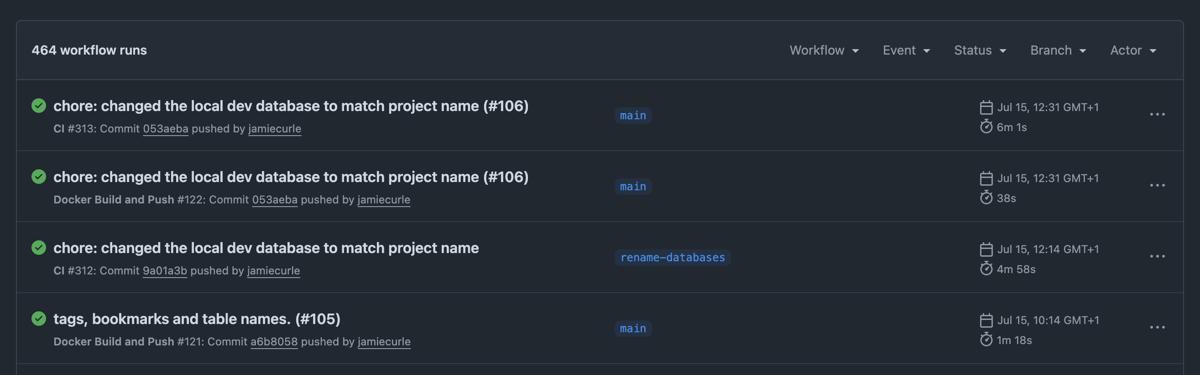
But after some back and forth everything started working and the speed difference was insane. Here’s the github hosted actions. Here’s the CI workflow and the build workflow to see how I was caching and doing everything I could to be efficient. But generally over the last few weeks I’ve been getting between 4:30 and 6:30 on the CI action and between 0:40 and 2:00 on the build action. These numbers are fine in isolation, but they used to be around 1:00 and 0:30 seconds repsectively.
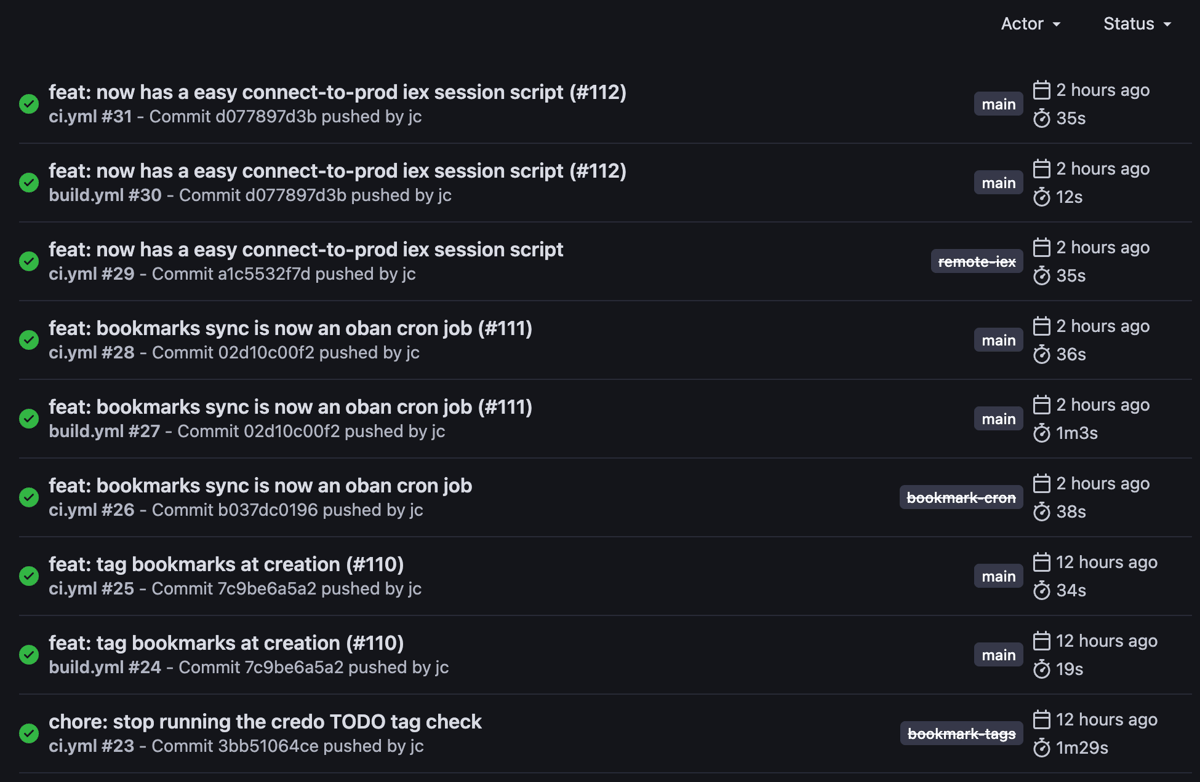
Here’s Forgejo. The difference is night and day. Yes, obviously this is going to be faster as it’s my machine so it is not a fair comparison, but frankly this makes it all worth it.
The downsides
There’s three main downsides of self-hosting. The big one, obviously, is backing up and making sure that when the disk fails, I can get back up and running with minimal fuss. I’m still on my honeymoon with this setup and I’ll sort that out in a few weeks. But it’s not hard, it’s basically:
cp -R "/Volumes/thebigbyte/forgejo/data" "/Volumes/thebigbyte/forgejo/data-backup-$(date +%Y%m%d)"
pg_dump -p 5433 -U forgejo -Fc forgejo > ~/forgejo-db-backup-$(date +%Y%m%d).dump
rclone copy /here/ /there/
The second is staying on top of the releases and ensuring things are up to date. Again, this isn’t a deal breaker but it’s a chore. The reality is that I save myself about $120 dollars a year (I had three paid accounts, one personal and two orgs)
The other downside is that when the mac is alseep, the service basically stops. I worked my way around it by ssh’ing into the mac-mini, but that feels like a hack. So I’ve setup a schedule:
sudo pmset repeat sleep MTWRFSU 23:00:00 wake MTWRFSU 06:00:00
Rarely am I working after 11pm and before 6am and if I am, then I’m at the very machine that is supposed to be asleep, so no fowl. Ideally though, I’d prefer a dedicated machine.
Forgejo vs Gitea
Honestly, and I mean this, I have more trouble touch typing forgejo than I do gitea. A personal mantra is “do things the hard way and then everything is easy”, so when push came to shove I couldn’t really decide between the two. I’ve softened a lot to my stance to matters over the last decade and I’d was open to both products. However, I went with forgejo because I have to really slow down in order to type it correctly.
This may seem weird to anyone who’s grown up typing and that can touch type, but I didn’t touch a keyboard until I was in my early twenties. I then spent a decade hunting and pecking at speed and learned VIM. The bad habits I have to unprogram run very, very deep. So, I’ve been spending this year really focusing on improving my typing technique and more importantly: accuracy.
So whilst I couldn’t decide on technical or moral grounds, I went with the harder to spell option.
We’ll see how this goes
I don’t know how this self-hosted thing will turn out, but I hope it remains as positive as it is now. But who knows?
For me, moving to Forgejo was less about “everyone, move away from Github because reasons” and more about, “I can save $120 dollars a year and everything can be faster BUT now you have to manage it”. Best of all, as long as I mirror to GH then I keep my activity…
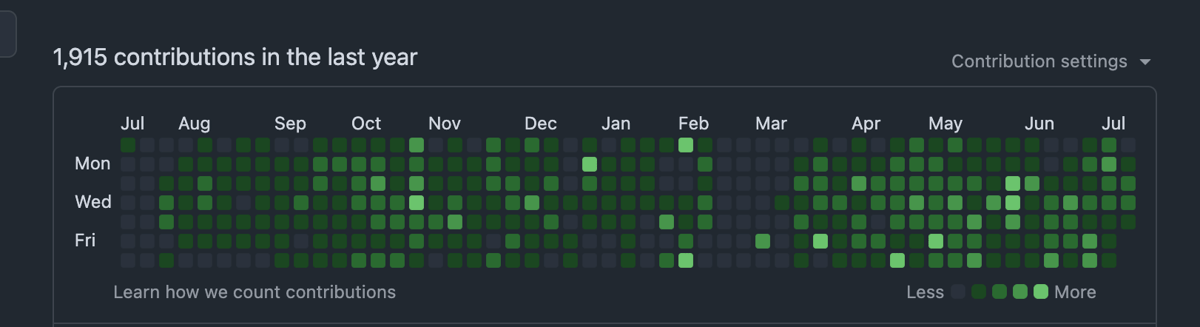
…but now I have another…
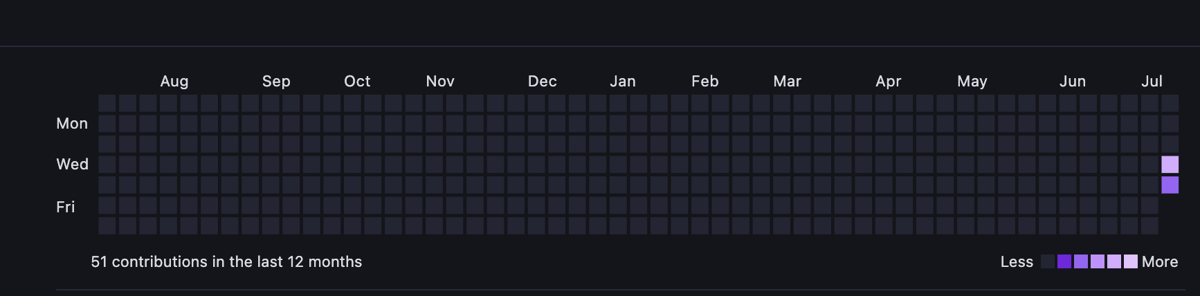
and I can feel the pull of writing unified activity feed but that’s another one for another day.
Thanks for reading.
Cheers,
Jamie.
-
Three days later, I couldn’t bare to throw it away after all. It’s been moved into my workshop where I’ll cannibalise it for parts. ↩